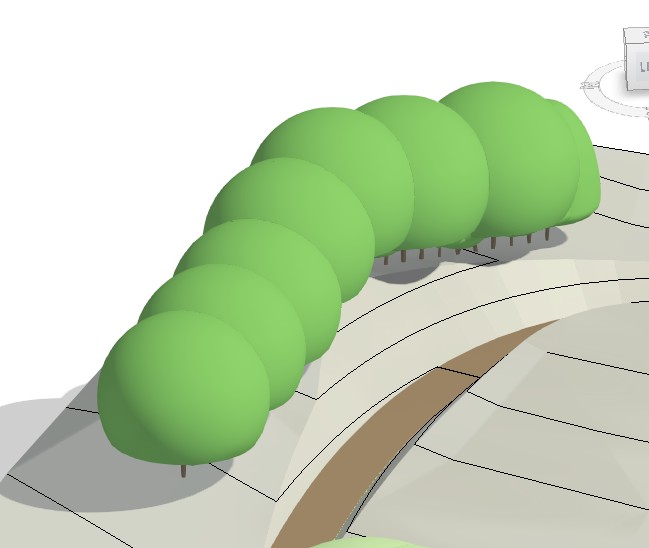
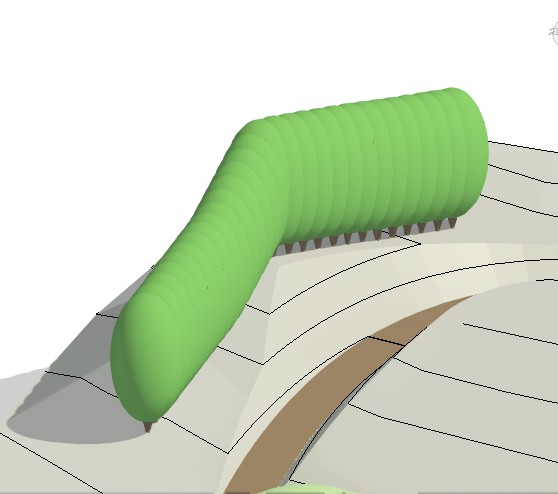
Following developments in the Area Planting Tool in CS Artisan in 2025, we have also turned our development time to improving the Hedge Planting visuals.
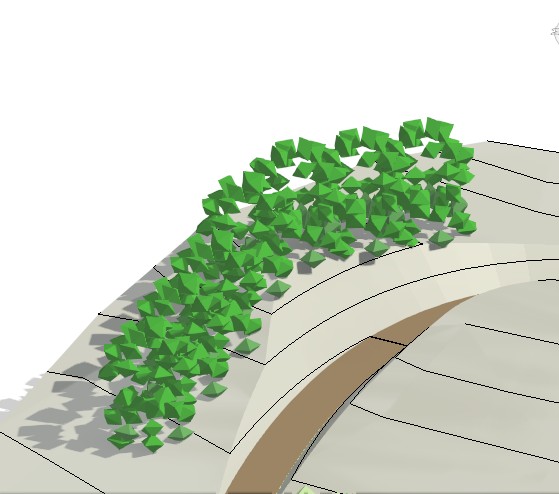
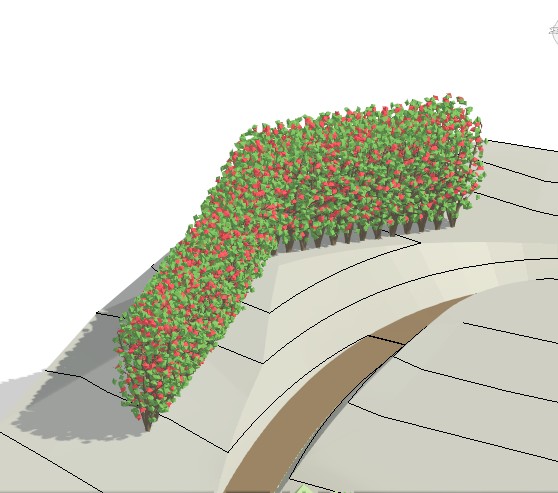
Hedge planting can now be shown in single or staggered rows, with greater clarity in both voxel and primitive views.
The CS ArtisanRV Hedge Planting Tool in REVIT
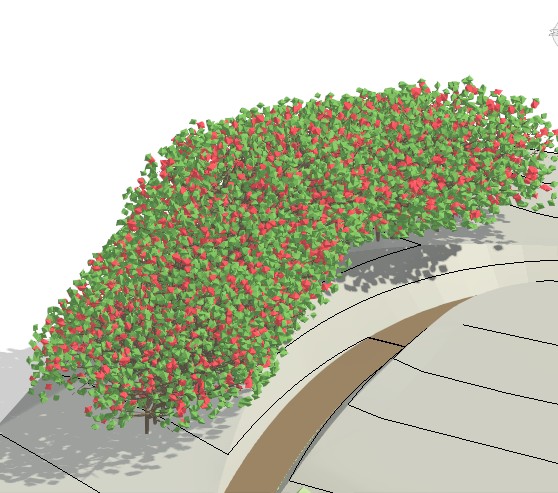
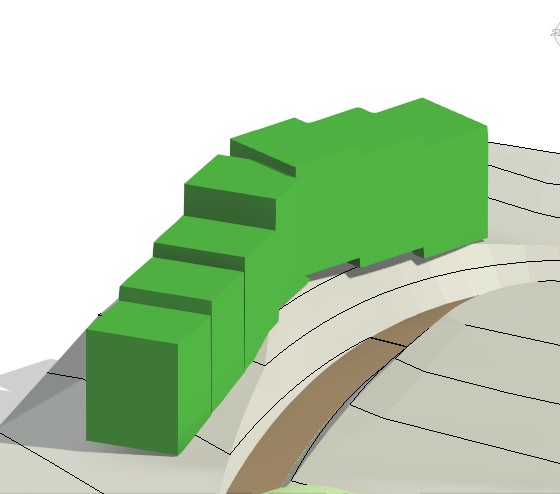
The CS ArtisanRV Hedge Planting tool provides a quality visual representation of plants placed along a hedge line on the topography, floor etc. The hedge lines are displayed in primitive or voxel (simulated vegetation) form and respond accurately as planting is aged.
Hedge views in a REVIT landscape
The CloudScapes development team have been working closely with users over the Summer with regard to visualisation. Improving the Area Planting graphics and customisation early this year (2025), we have rolled this out to our Hedge Planting tools. This allows ArtisanRV users to customise their hedging graphics in their REVIT landscape designs, particularly in single and double-staggered hedge lines.
Nearing completion, these developments will include improved views, similar to the Avenue and Area Planting graphics in:
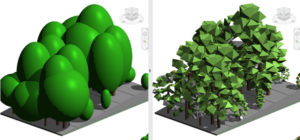
'Voxel' views
'Primitive' views
The images below show staggered hedge planting in plan views and outline how planting numbers are calculated for hedgerow planting. Although we currently do not show individual hedging plants in plan view, this has also been discussed by clients and has been added to the CloudScapes Development Pipeline for future release.
For a quick tutorial on how to add hedging and avenues, age the model and change views, view our Hedge Plant Cloud Clip in the Cloud Clip library.